Last Updated: November 10, 2026
Quick Summary
The best ergonomic office chair for back pain holds your spine and pelvis in a controlled, supported position while you breathe and move normally, but it is a support tool, not a treatment. Choose one with a seat pan that lets your hips sit slightly higher than your knees, a backrest that contacts the pelvis before the lower back, and a seat depth that lets your back reach the backrest without pressure behind the knees.
- No chair strengthens your core or fixes a back problem on its own.
- The AFRDI rating confirms tested durability, stability and strength, but not whether a chair fits your body.
- Set seat height first, then seat depth, then backrest height, then armrests and recline.
- Aim for two to three fingers of clearance behind the knee when your back is against the backrest.
- Stand and walk every half hour or so rather than holding one perfect posture all day.
Table of Contents
- What the Best Ergonomic Office Chair for Back Pain Actually Does
- Lumbar Support vs Pelvic Stability: Why the Difference Decides Your Pick
- AFRDI Ergonomic Chair Standards and What the Rating Tells You
- A Repeatable Chair Testing Protocol You Can Run in a Showroom
- An Ergonomic Chair Adjustment Guide for Seat Depth, Height and Backrest
- How to Sit at a Desk with Back Pain Across a Full Working Day
- Matching a Chair to Your Pain Pattern, Body Size and Budget
- Book a Free 15 Minute Consultation Before You Buy
- Frequently Asked Questions
What the Best Ergonomic Office Chair for Back Pain Actually Does
The best ergonomic office chair for back pain is one that holds your spine and pelvis in a controlled, supported position while you breathe and move normally through the day.
That distinction matters, because most buying advice skips it. People spend hours comparing lumbar curves and mesh backs, then sit in the new chair with the same poor movement habits that caused the pain in the first place.
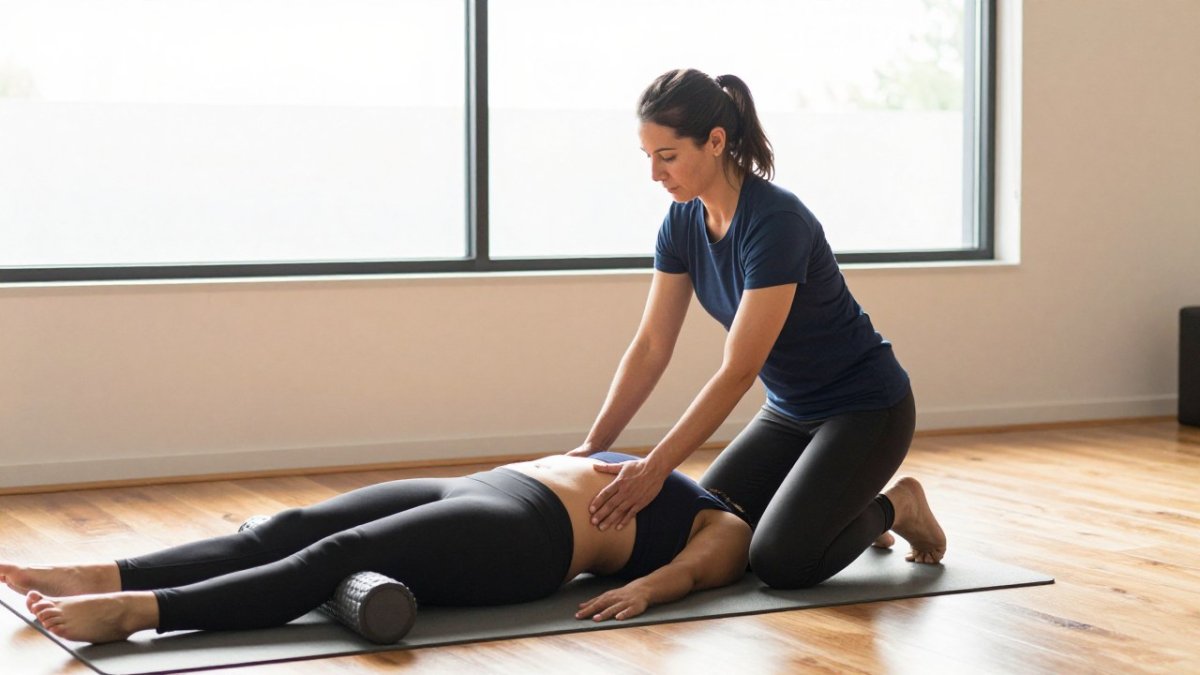
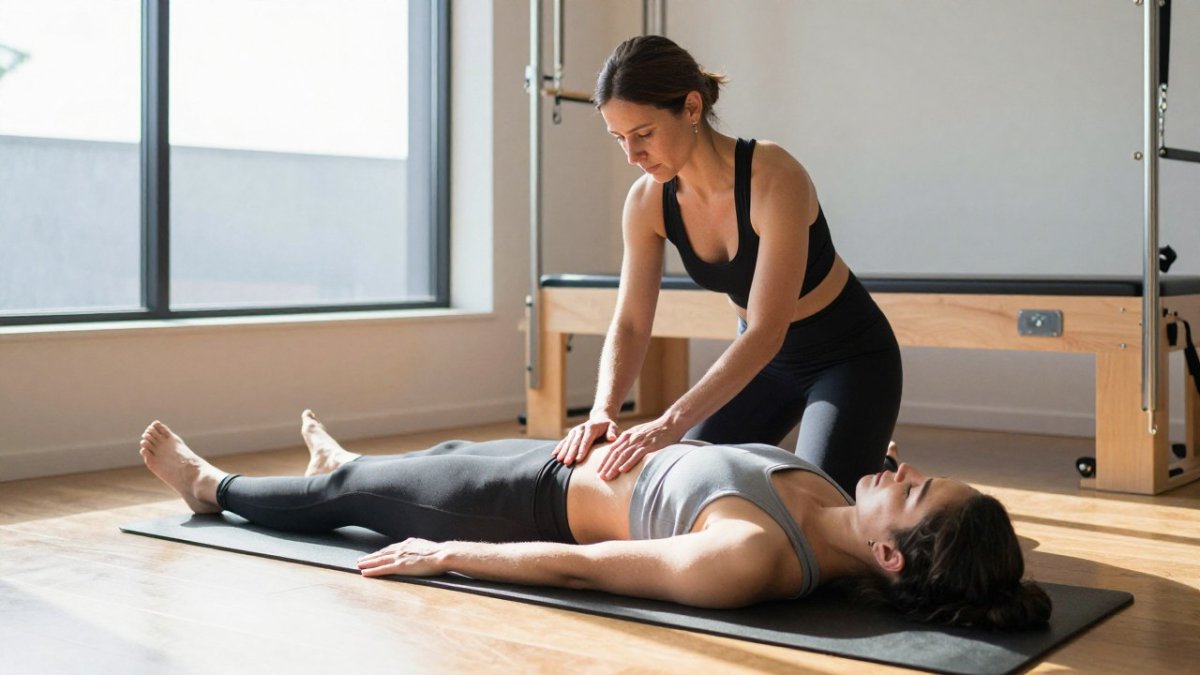
At Menezes Method Pilates, we have spent four decades teaching people that core control is about activating the right muscles at the right time, not bracing hard. A chair should support that control, not replace it. Below, we explain what a chair can genuinely do, how to test one before you buy, and how to set it up so it helps rather than hinders.
Lumbar Support vs Pelvic Stability: Why the Difference Decides Your Pick
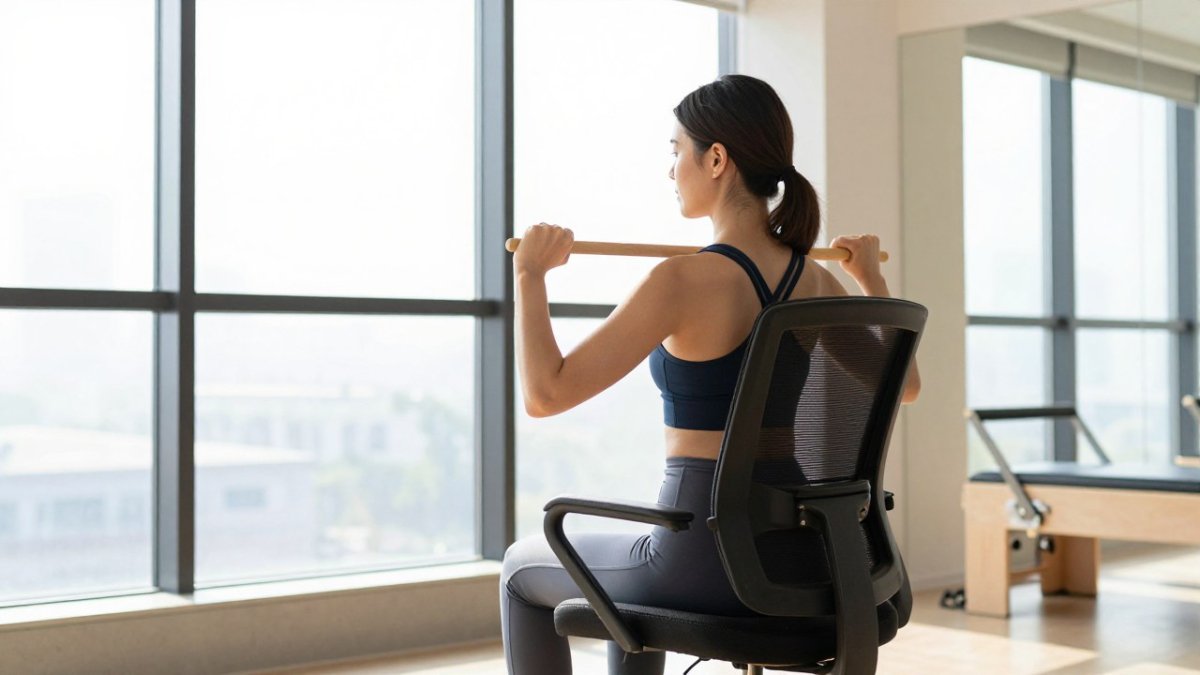
Lumbar support is the curve built into the chair’s backrest that fills the space above your pelvis. Pelvic stability is your own ability to hold the pelvis steady while you sit, breathe and move.
A chair with excellent lumbar support can still leave you uncomfortable if your pelvis rolls backwards into a slumped position the moment you stop thinking about it.
Get those three right and the lumbar curve does its job. Get them wrong and no amount of cushioning compensates.
AFRDI Ergonomic Chair Standards and What the Rating Tells You
The AFRDI rating is an Australian certification showing a chair has passed defined durability, stability and strength tests. It tells you the chair will hold up to daily use and meet a tested structural benchmark.
That is the limit most buyers miss. A chair can carry a high AFRDI level and still be the wrong size for a shorter or taller frame.
What the certification actually covers
AFRDI testing is run against published Australian standards for office furniture, and the rating levels indicate how intensively the chair has been tested. In practice, the certification speaks to three things:
- Structural strength. Whether the frame, gas lift, base and backrest connection survive repeated loading.
- Stability. Whether the chair stays upright under expected use, including reclined positions.
- Durability. Whether components such as castors, mechanisms and upholstery hold up over repeated cycles.
What it does not cover is comfort, fit, lumbar position or suitability for a particular body. Those are judgement calls you make in the showroom or during a home trial.
How to use the rating alongside warranty and total cost
Treat the rating as one input among several.
When you compare chairs, line up the same fields for each:
| What to compare | Why it matters |
|---|---|
| AFRDI rating level | Indicates tested structural durability |
| Warranty length and what it covers | Shows how long the maker stands behind the mechanism and frame |
| Return period and return freight | Determines whether a poor fit is recoverable |
| Replacement parts availability | Affects whether the chair can be repaired rather than replaced |
| Weight rating | Confirms the chair suits your body weight with margin |
| Adjustment ranges | Confirms the chair suits your height and torso length |
A chair that fails on fit is not a bargain at any price, and a chair that cannot be repaired is a short-term purchase whatever its rating.
Watch out: warranty terms often exclude normal wear items such as castors and upholstery, so read what is covered rather than only the headline length.
A Repeatable Chair Testing Protocol You Can Run in a Showroom
A showroom trial works best when you test the same way every time. Use this checklist and score each line pass, partial or fail:
- Seat height sets your feet flat with thighs roughly level
- Seat depth leaves two to three fingers behind your knee
- Backrest contacts your pelvis before your lower back
If you cannot test in person, ask about the return policy before ordering. A chair that fails on fit is not a bargain at any price.
An Ergonomic Chair Adjustment Guide for Seat Depth, Height and Backrest
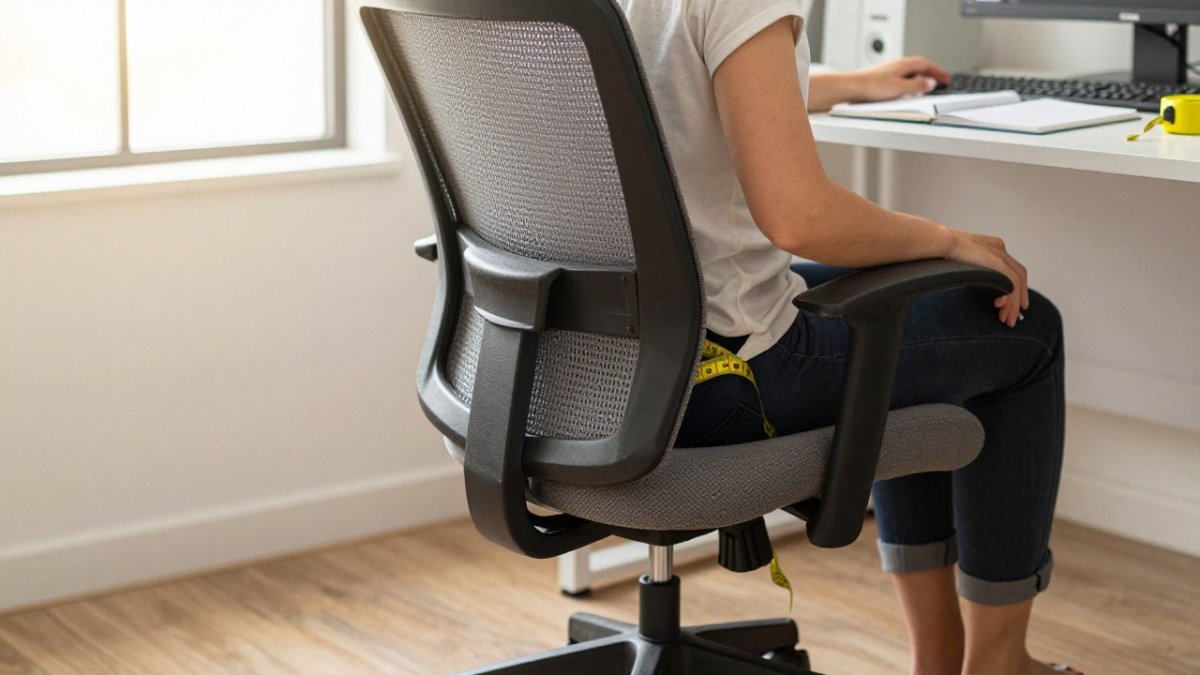
Set seat height first, then depth, then the backrest. Most people adjust in the wrong order and end up chasing comfort all day.
- Seat height: raise or lower until your feet rest flat and your thighs are level with the floor.
- Seat depth: slide the pan so there is a small gap behind your knees, then check your back still reaches the backrest.
- Backrest height: position the lumbar curve so it sits in the natural hollow of your lower back.
- Armrests: set them so your elbows rest at roughly ninety degrees and your shoulders stay relaxed.
- Recline: unlock a slight recline so the chair moves with you rather than locking you upright.
Recheck the setup after a week. Small shifts in how you sit often reveal an adjustment that needs a tweak.
How to Sit at a Desk with Back Pain Across a Full Working Day
Knowing how to sit at a desk with back pain is less about finding one perfect posture and more about changing position often.
Build movement into the day: stand and walk every half hour or so, use the recline to shift load through the day, and let your pelvis stay active rather than collapsing into the chair.
Watch out: relying on a chair alone to manage persistent back pain tends to disappoint.
Matching a Chair to Your Pain Pattern, Body Size and Budget
Most buying guides rank chairs and stop there. That approach assumes everyone with back pain needs the same thing, which is not the case. The chair that suits a 160 cm part-time home worker is rarely the chair that suits a 190 cm full-time sitter with pain that builds through the afternoon. Use the guide below to narrow the field before you compare models.
Match the chair to where the pain sits
| Pain pattern | What usually helps | What to check on the chair |
|---|---|---|
| Lower back pain that builds during long sitting | Pelvic contact and a backrest that reaches the top of the pelvis | Backrest height and the position of the lumbar pad relative to your sacrum |
| Pain that eases when you lean back | A recline that moves with you rather than locking upright | Recline range, tilt tension and whether the seat pan angle changes with the back |
| Pain that worsens in the afternoon | Frequent position change and a seat that lets the pelvis stay active | Smooth recline, seat pan tilt and a seat cushion that does not compress flat |
| Stiffness rather than sharp pain | Movement-friendly adjustment and easy height changes | Adjustment controls you can reach without standing up |
| Pain linked to one-sided sitting or leg crossing | Seat width and armrest positioning | Seat width relative to your hip width, and armrests that adjust inward |
A chair cannot diagnose or treat any of these patterns. What it can do is remove the fit problems that make them worse.
Match the chair to your body size
Fit is measurable, and most of it comes down to four numbers you can check with a tape measure before you buy.
- Seat height range. Your feet should rest flat with your thighs roughly level. If your lower leg length (floor to the crease behind the knee) falls outside the chair’s stated height range, the chair will not fit however good the lumbar support is.
- Seat depth. Aim for two to three fingers of clearance behind the knee when your back is against the backrest. Shorter frames often need a depth near 40-43 cm; taller frames usually need 48 cm or more. Check the adjustment range, not just the maximum.
- Seat width. The seat should clear your hips with a little room. A seat that pinches the hips pushes the pelvis into an uneven position.
A common pattern is a taller sitter buying a chair with generous lumbar support but a seat depth that stops short of the backrest, so they perch forward and lose pelvic contact. The reverse happens with shorter sitters: a deep seat presses behind the knee, they slide forward, and the lumbar pad ends up in the wrong place.
Match the chair to your budget honestly
Spend on fit and adjustability before extras. A simpler chair with a seat depth and height range that suit your frame will serve you better than a feature-heavy chair that does not.
Watch out: a generous return window is only useful if you keep the packaging and can arrange return freight, so confirm both before ordering.
If you want a structured plan to build the control a chair cannot give you, see our guide on how to improve spinal control at home.
Book a Free 15 Minute Consultation Before You Buy
A chair supports your posture. It cannot teach your pelvis to hold position, your diaphragm to breathe under load, or your spine to stay controlled when you bend and lift.
Our approach uses the B-Line® for precise lower abdominal activation and Stable Spine® for length without rigidity, taught through individual assessment rather than a group routine.
If you are unsure whether exercise is safe for your back, read what to do if an exercise makes your back worse. For a deeper look at the method, see our guide to Pilates and core stability for chronic back pain, check session options and pricing, or register and book your session.
A chair is one part of the picture, and it is worth choosing well. The other part is how you move in it.
Frequently Asked Questions
What features should I look for in an office chair for back pain?
Prioritise adjustable lumbar support you can move up and down, a seat depth that leaves two to three fingers behind your knee, and a backrest tall enough to reach your shoulder blades. Armrests should adjust in height so your shoulders stay relaxed, and the tilt mechanism should let you recline slightly rather than locking you upright. Check the weight rating suits your body and look for an AFRDI rating, which confirms the chair has passed Australian durability and stability testing. A chair that fits your dimensions beats one with more features that do not adjust to you.
Are AFRDI-rated chairs better for back pain?
An AFRDI rating tells you the chair has passed independent testing for strength, durability and stability, so it is less likely to sag or fail under daily use. That matters for back pain because a chair that loses its lumbar shape after a year stops supporting you. The rating does not certify comfort or that the chair suits your body, so treat it as a baseline quality check. Use the AFRDI ergonomic chair standards as a filter, then trial the chair in person to confirm the fit and adjustment range work for you.
Can an ergonomic chair fix my posture?
A chair supports good posture but cannot create it. It holds your pelvis and spine in a position where control is easier, yet your breathing, core activation and movement habits still determine how you sit once you stop thinking about it. People who sit well for an hour and then slump for the rest of the day will still load the spine poorly. Pair a well-adjusted chair with regular movement breaks and core control work, and treat the chair as one part of the solution rather than the whole fix.
How do I adjust my office chair to reduce lower back strain?
Set seat height so your feet sit flat and knees are level with or slightly below your hips. Adjust seat depth until you can slide two to three fingers behind your knee. Raise or lower the lumbar support until it fills the curve of your lower back without pushing you forward. Set armrests so your shoulders drop and elbows rest near 90 degrees. Then recline the backrest slightly and unlock the tilt so the chair moves with you. Recheck the setup after a week, because your body adapts and small changes creep in.